
The scriptable SIP softphone.
A native desktop softphone for macOS, Windows and Linux, with the desk-phone features your PBX expects. Every button is also a command, so scripts and AI agents can drive the same calls.
Builds for macOS, Windows and Linux are published on GitHub Releases.
# the call below, from a shellsiple-cli ctl call.dial '{"account":"desk-1001","target":"1003"}'{"call_id":"c1","call":{"state":"dialing",…},"event_seq":120}siple-cli ctl call.mute '{"call_id":"c1"}'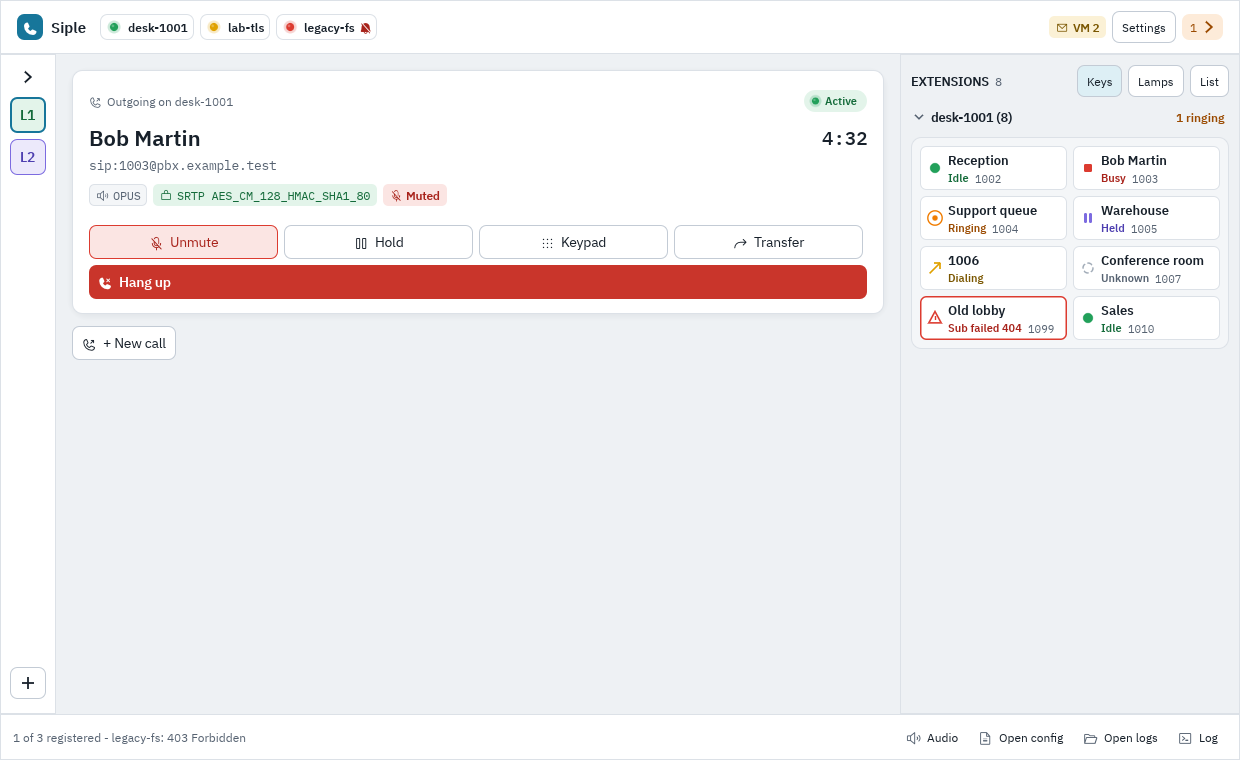
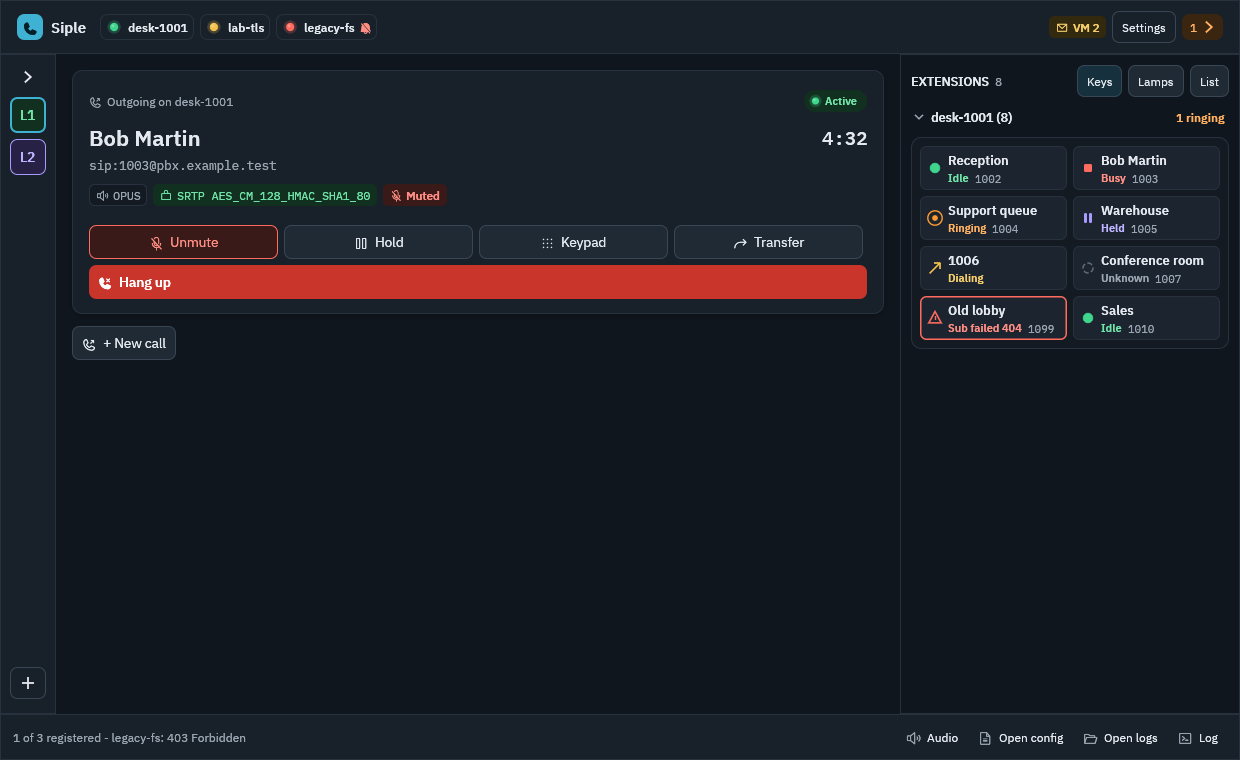
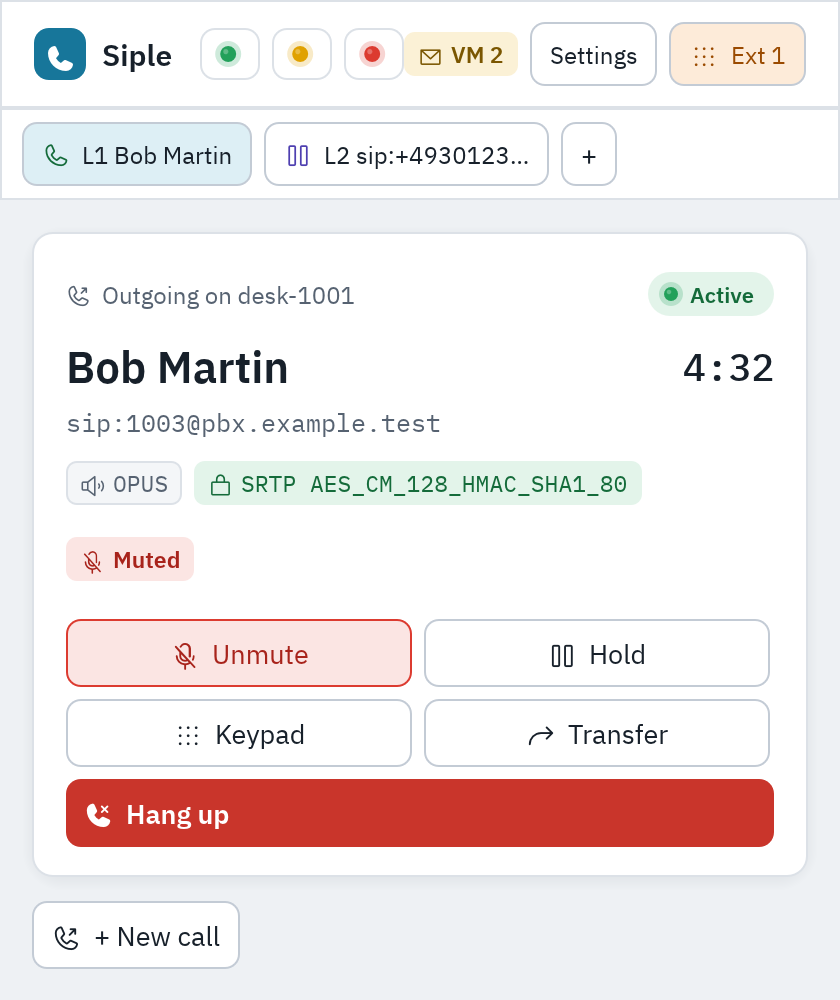
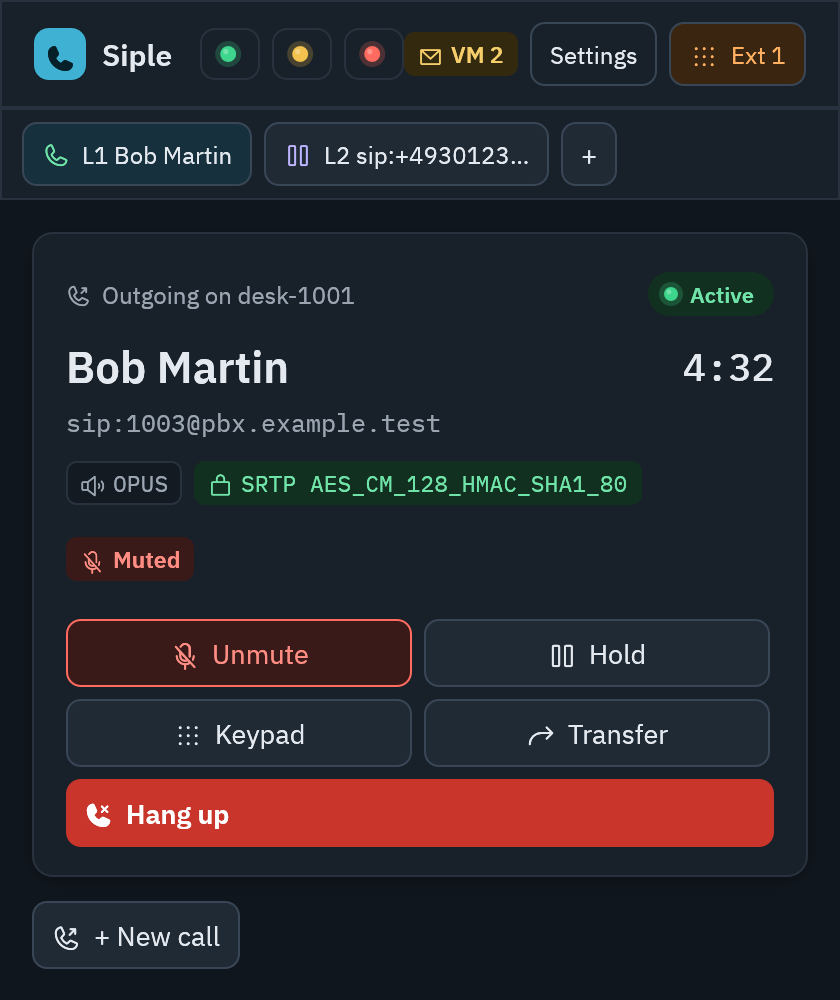
Built like the desk phone it replaces.
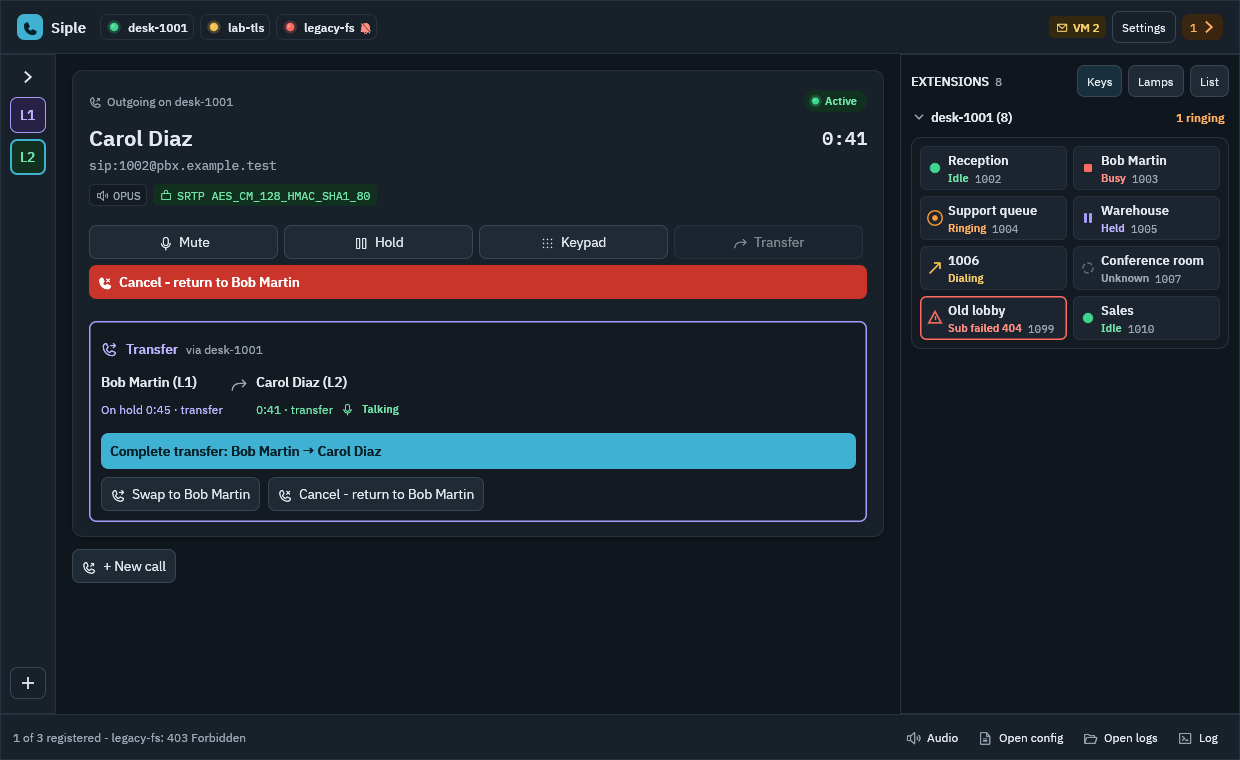
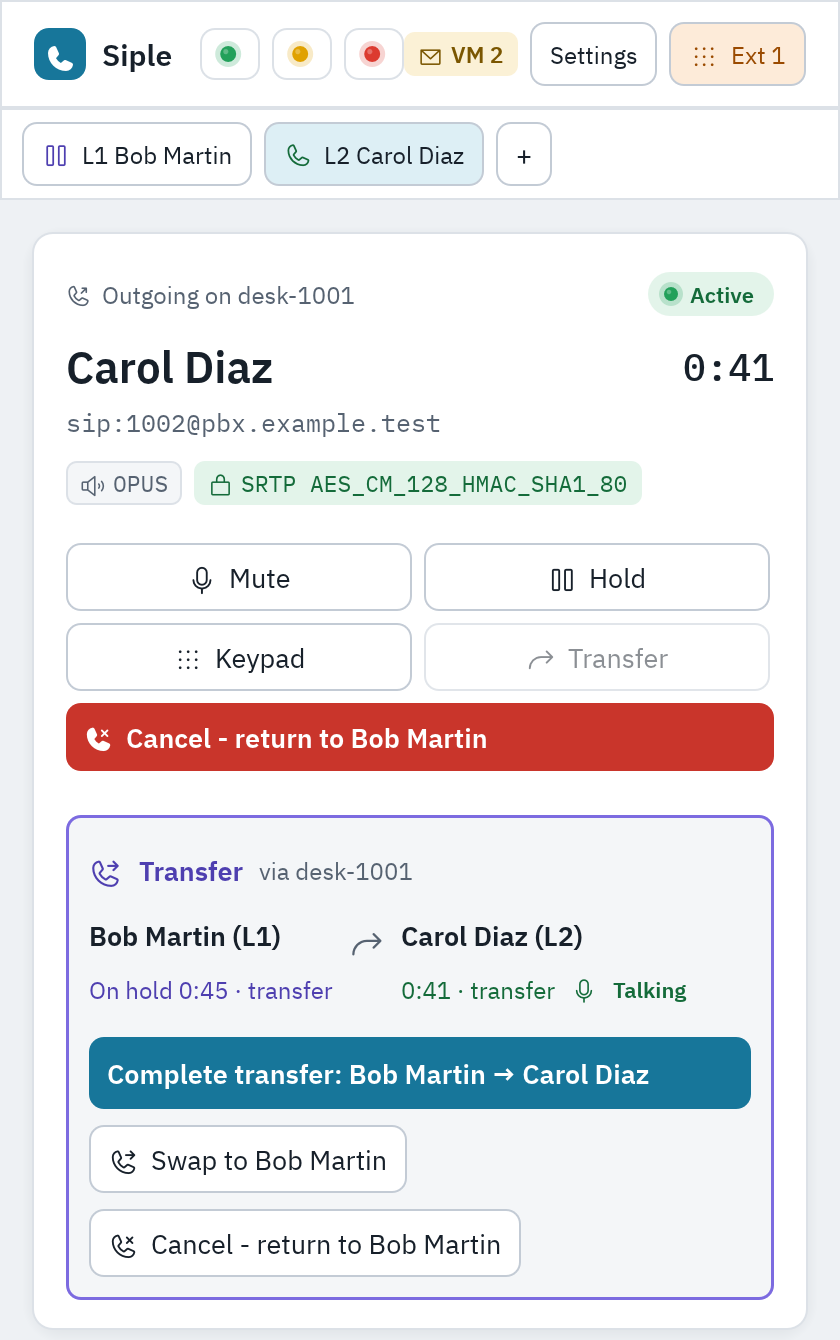
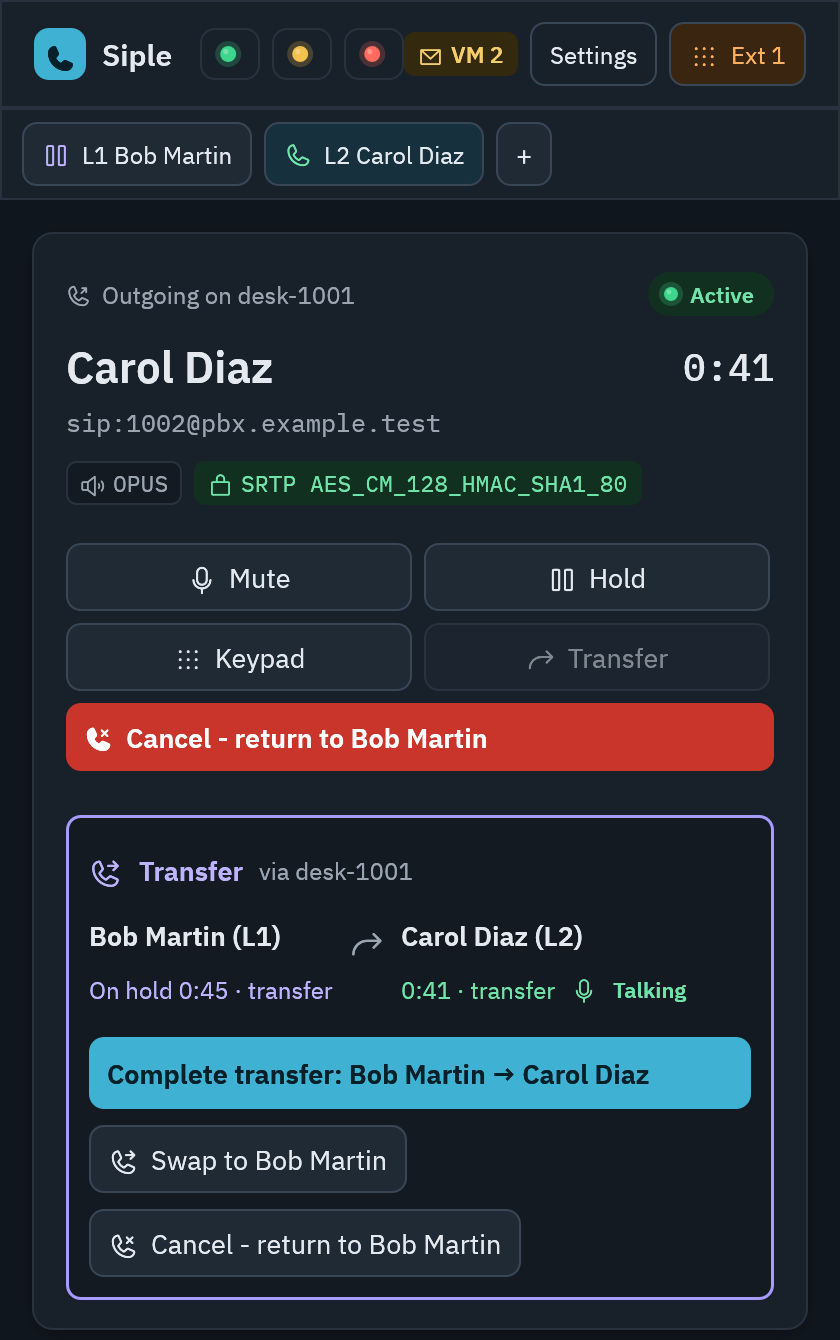
Several lines with automatic hold, call waiting, busy lamps for every extension, and transfers that work the way a front desk expects: blind, attended or semi-attended.
[calls]
# hold the other lines when you answer or dial
hold_scope = "all"
# a refused transfer takes the call off hold again
resume_after_failed_transfer = true
# SIP status sent when you decline a waiting call
decline_code = 486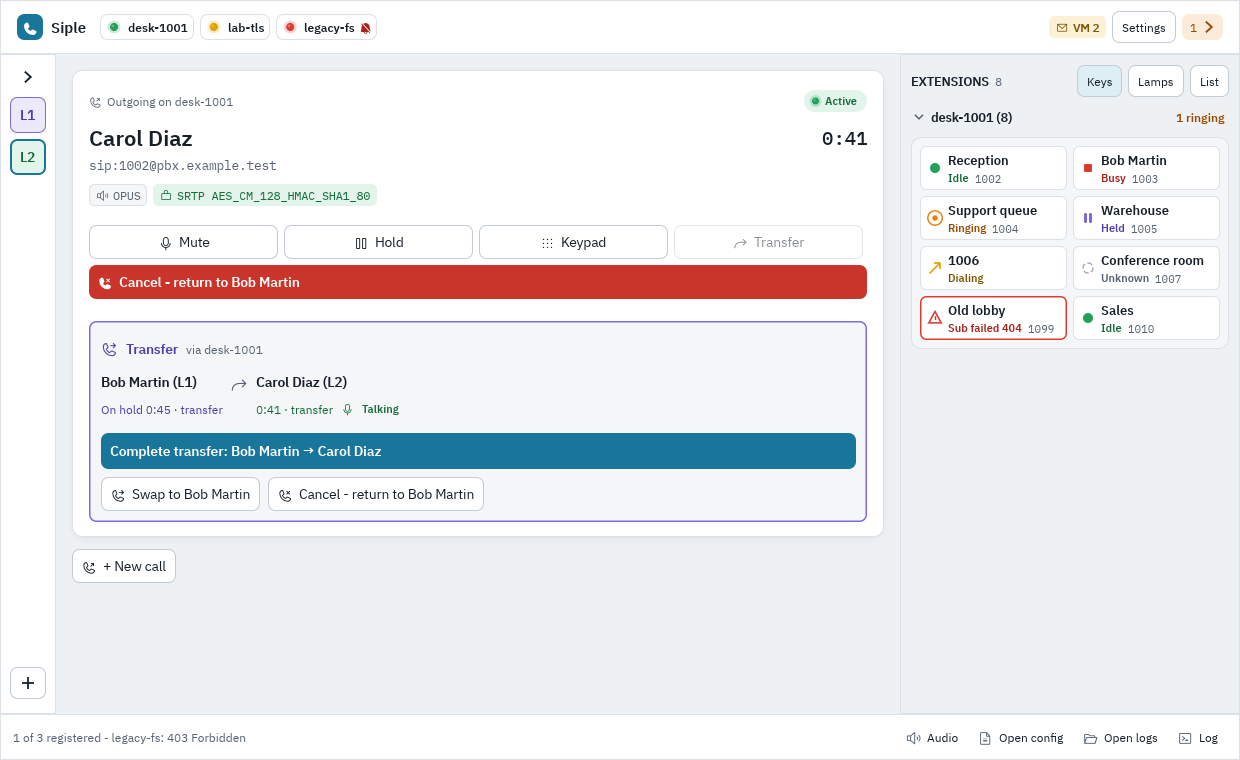
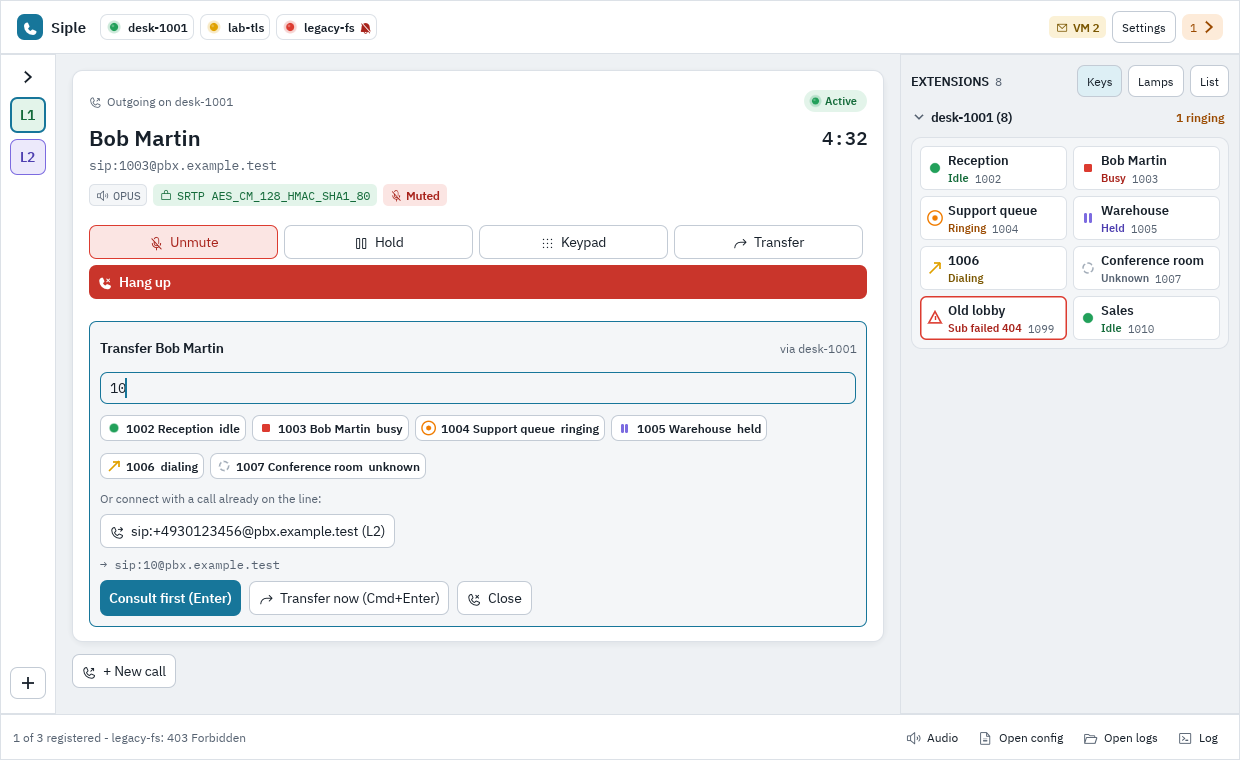
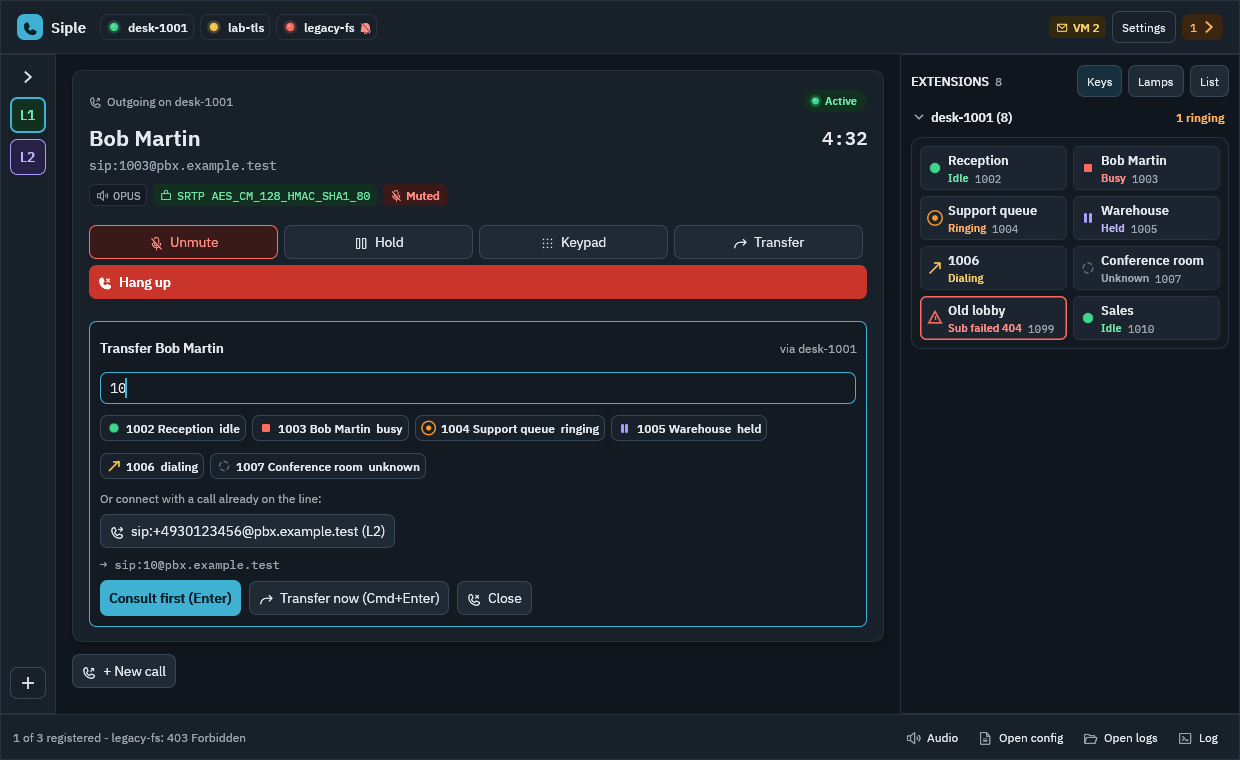
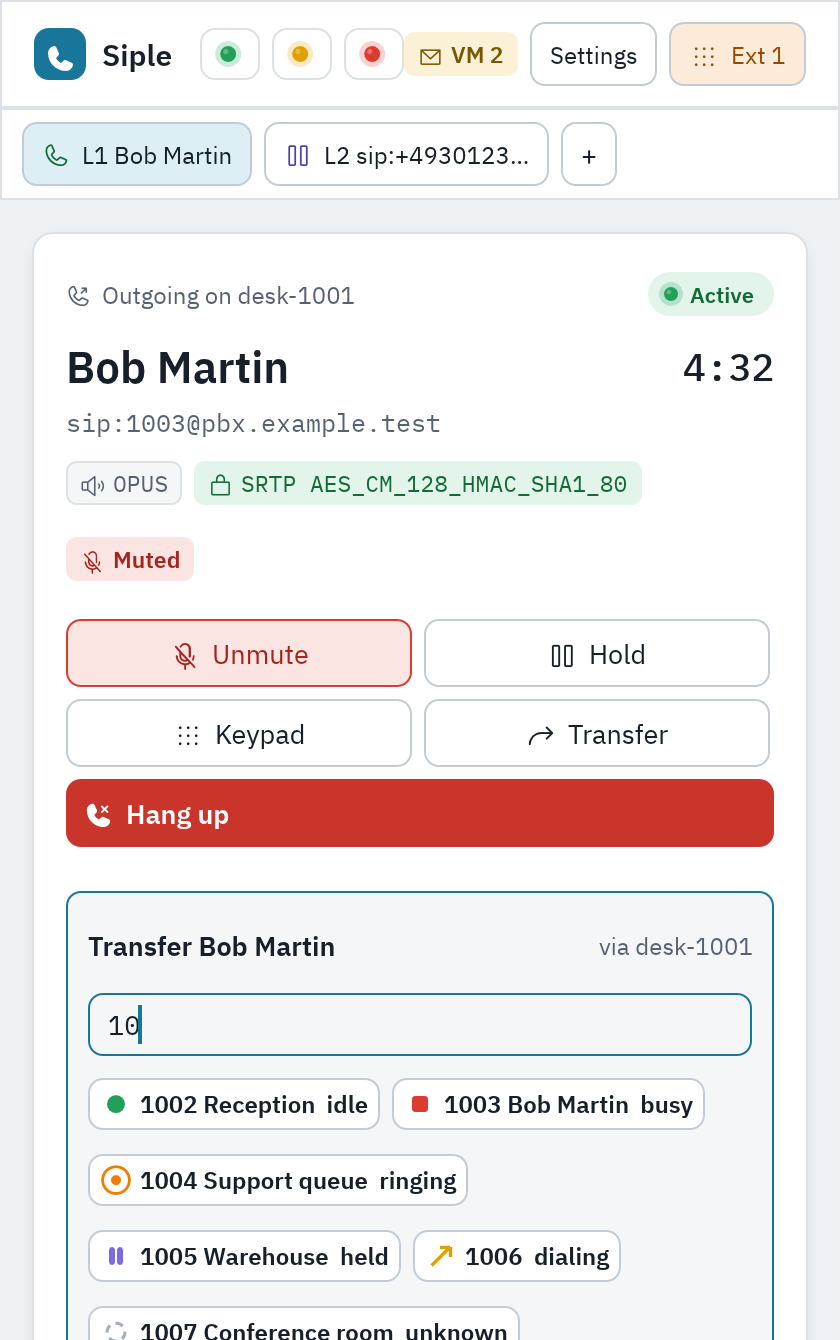
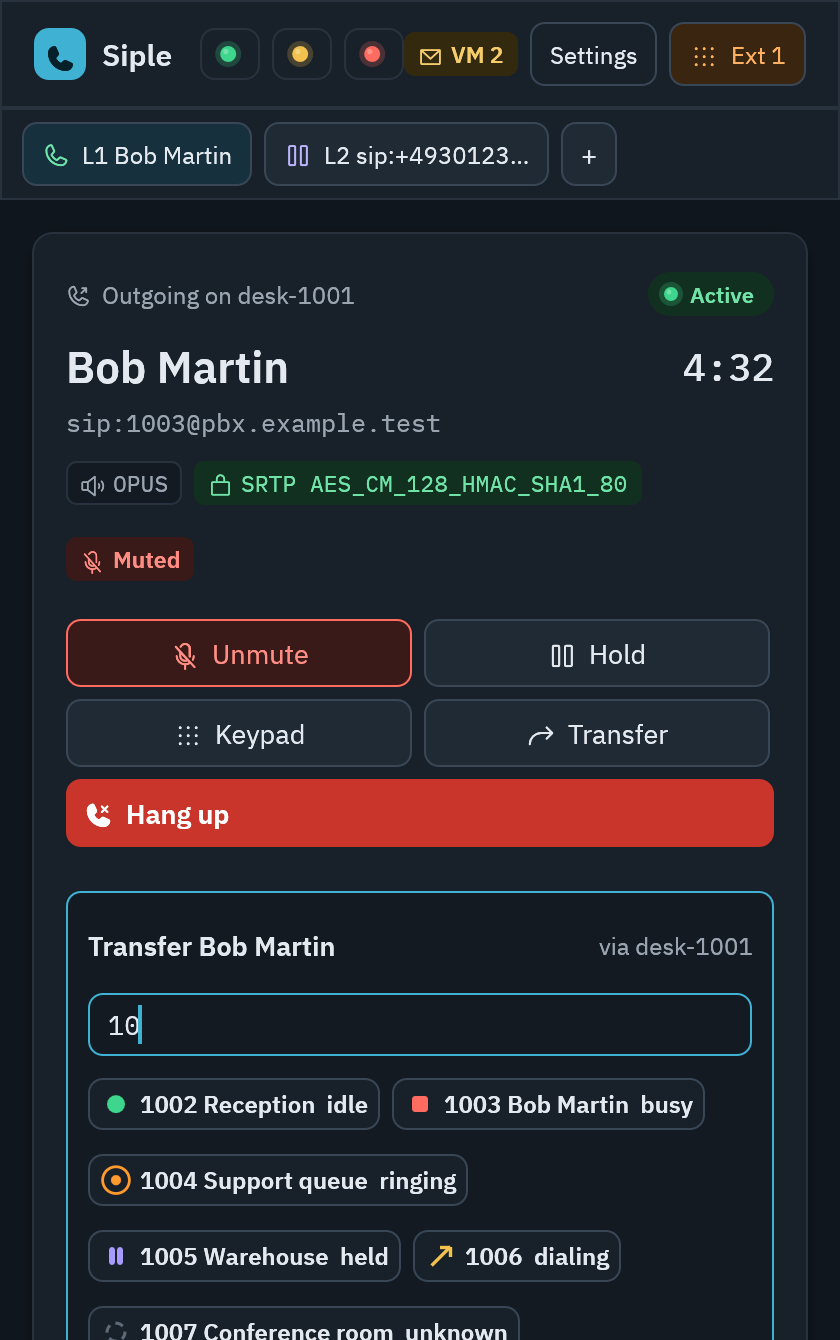
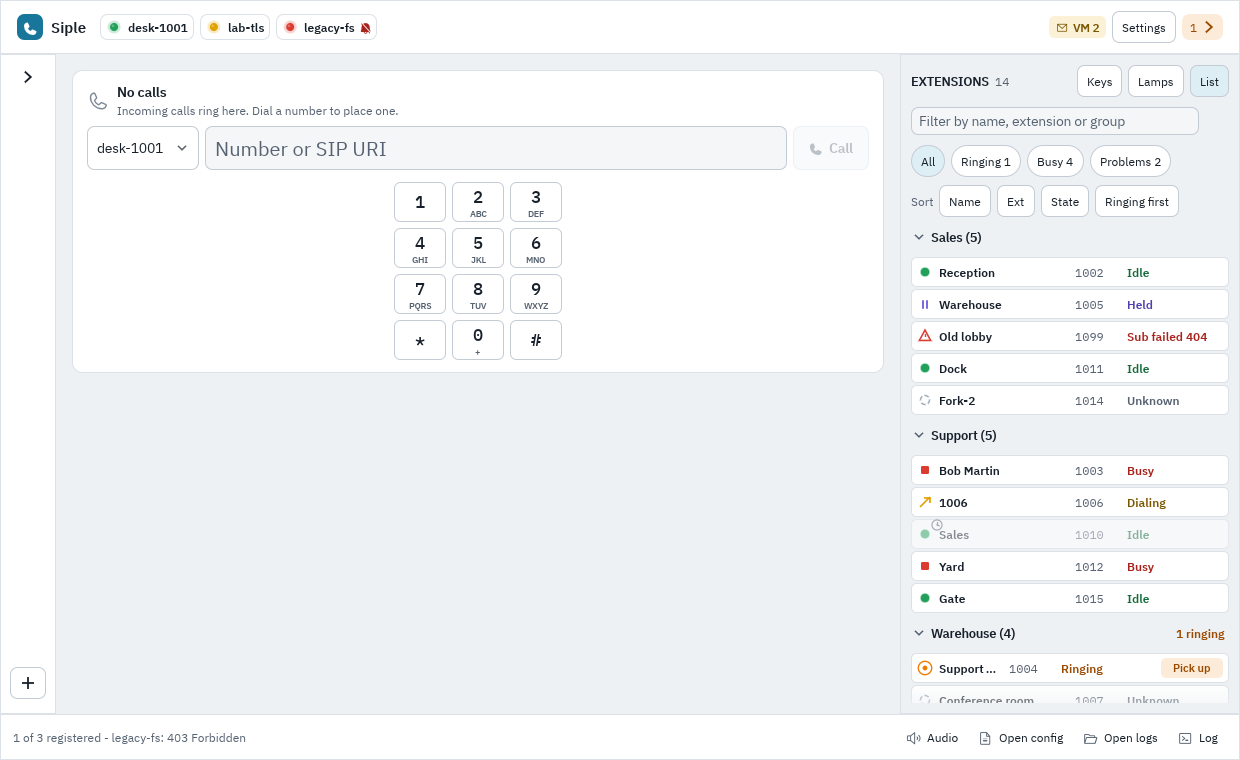
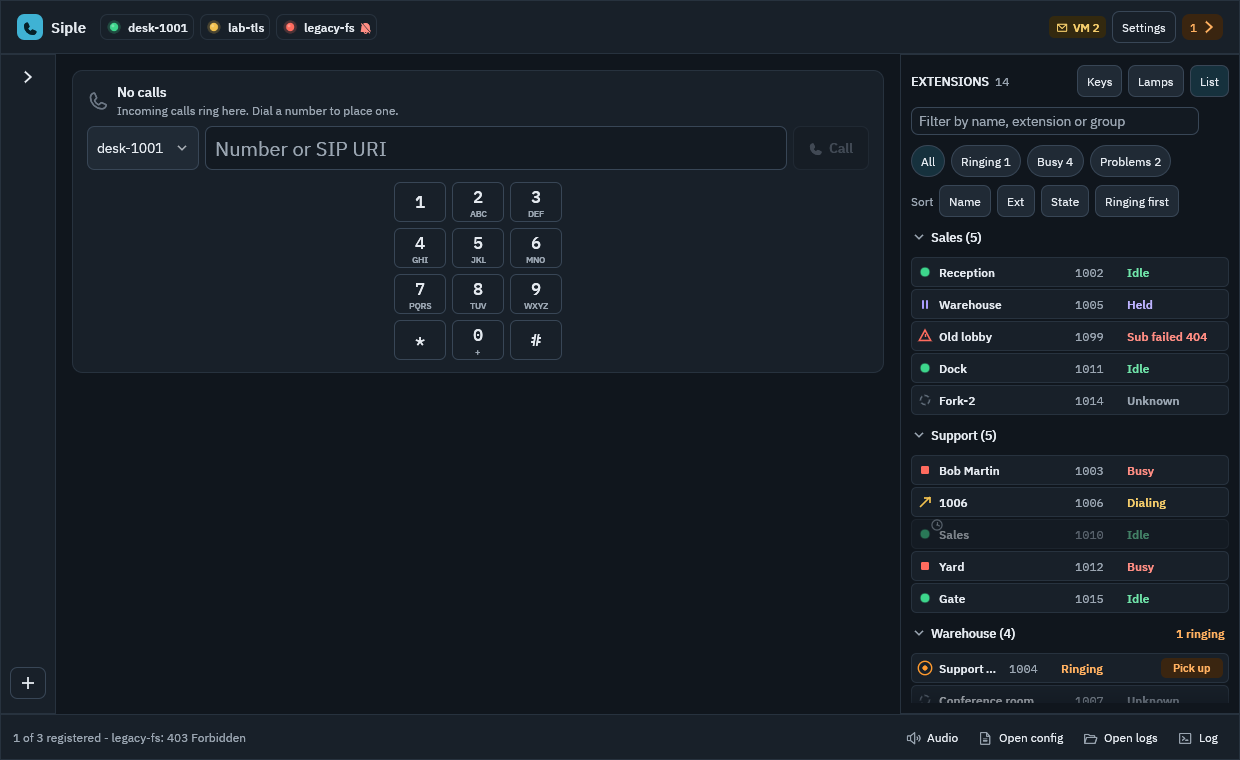
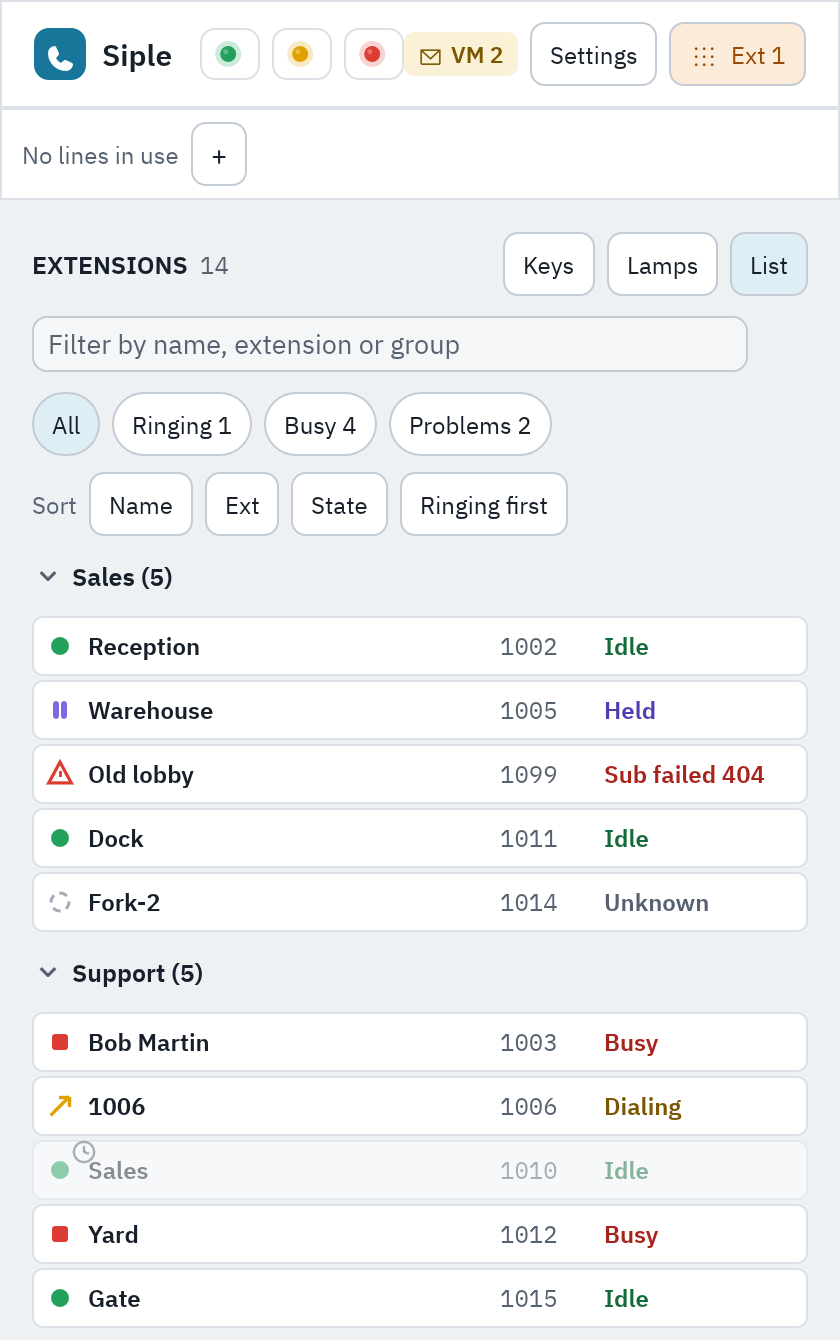
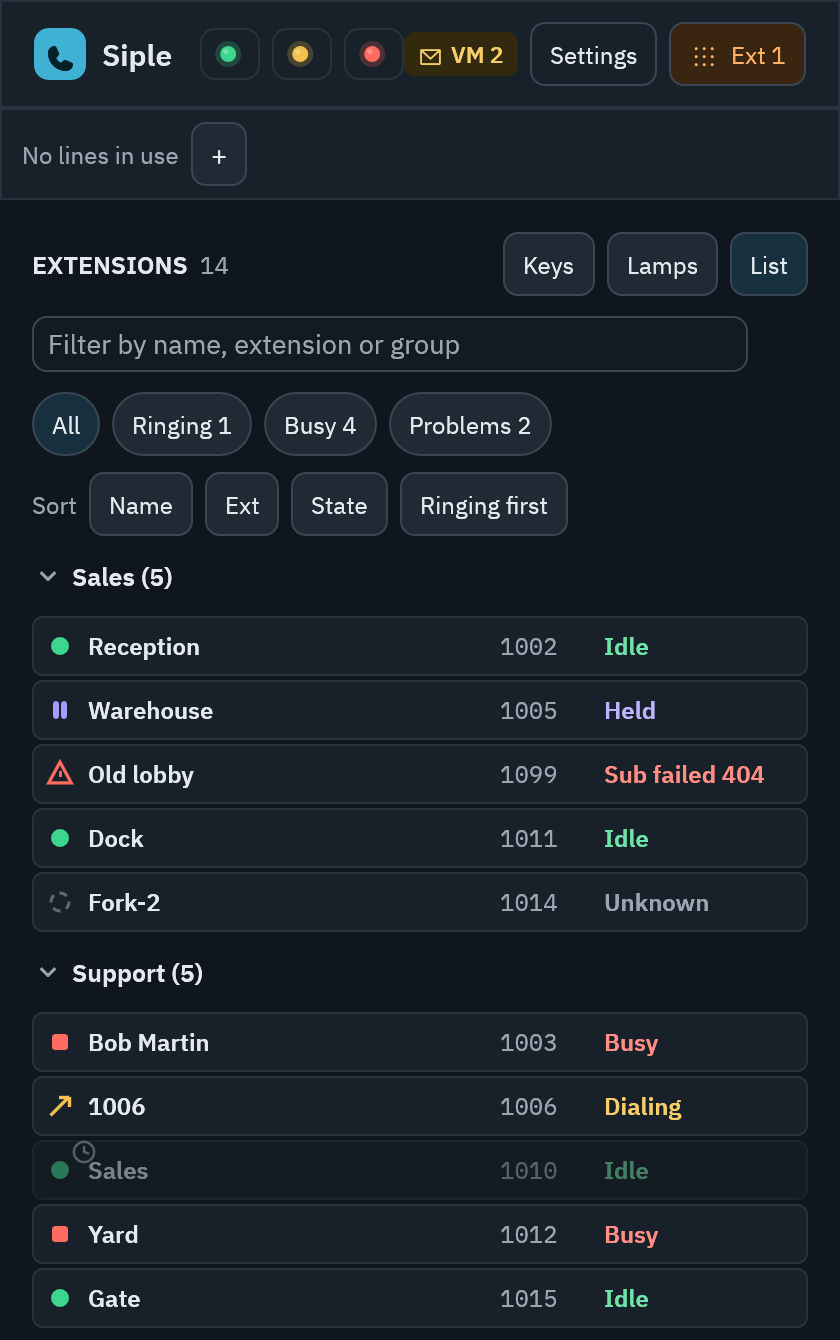
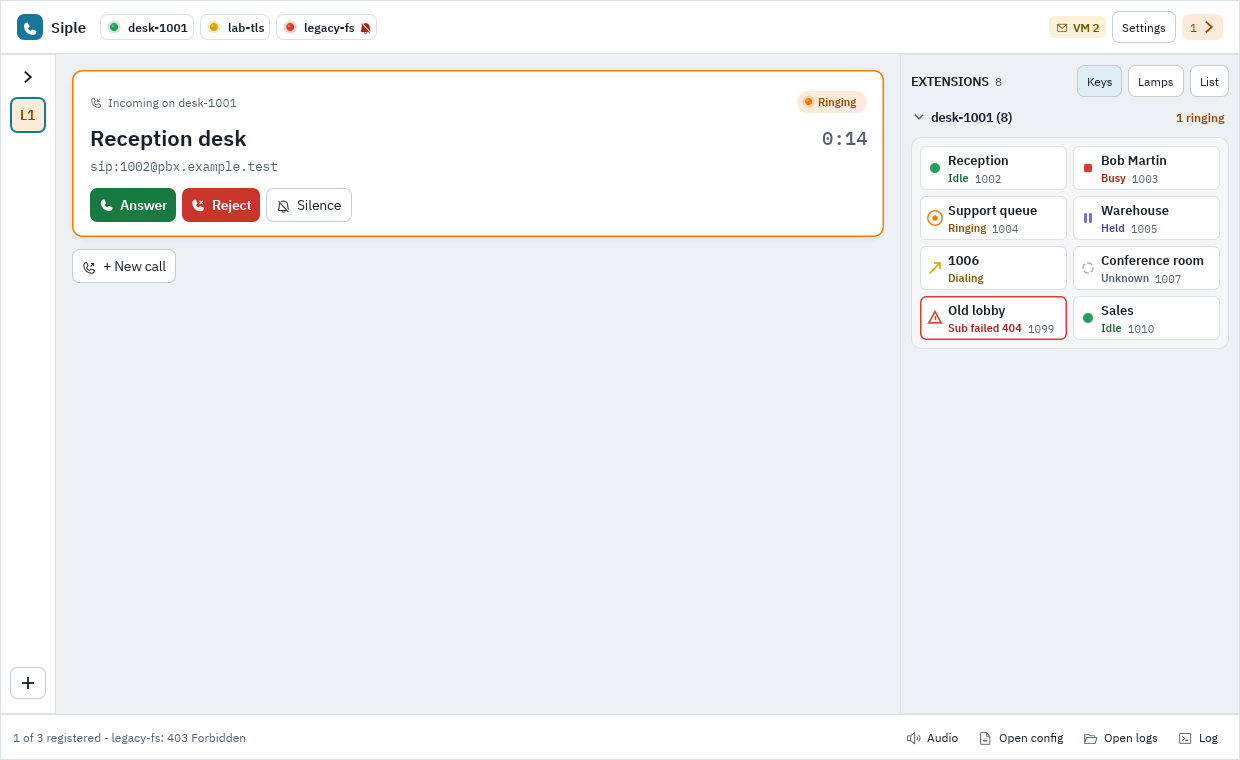
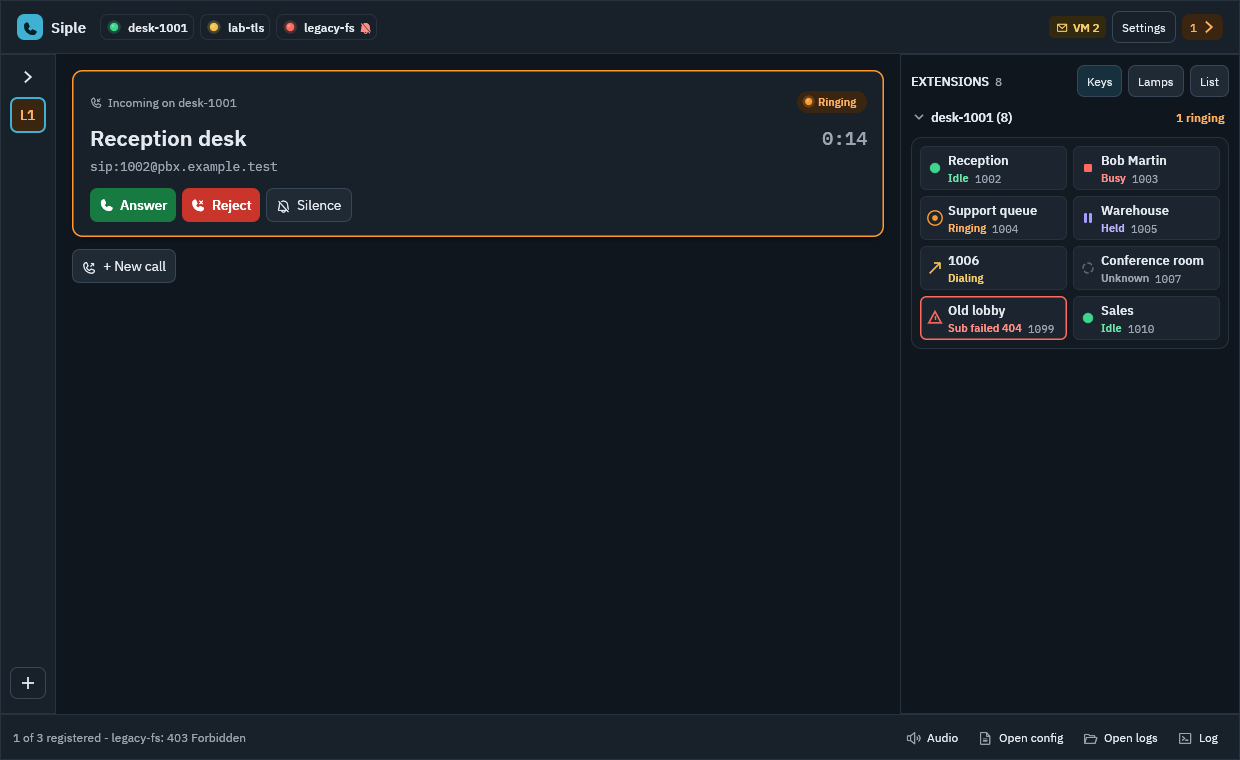
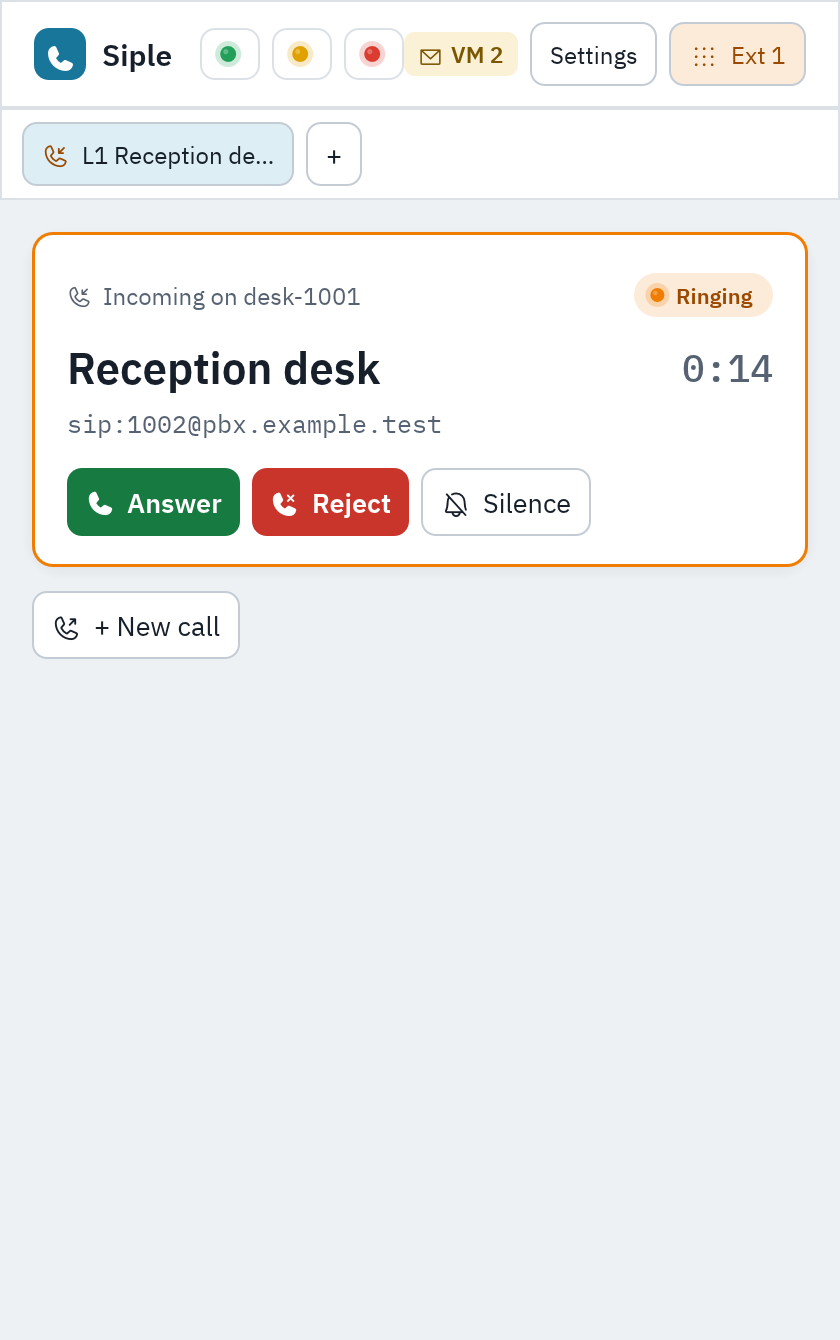
Whatever the GUI can do, an agent can do.
Every state Siple shows and every action it takes is a JSON-RPC method on the same engine. The method list, the MCP tools and the API reference are generated from one catalog, so they can’t drift apart.
[control]
# "" = <config dir>/control.sock
unix_socket = ""
# "" = \\.\pipe\siple-<user>-<hash> (Windows)
named_pipe = ""
# "" = off; loopback only, token always required
tcp_listen = ""# Is Siple running? Accounts, calls, audio, event_seqsiple-cli ctl status# Place a call, then wait for the answer without racessiple-cli ctl call.dial '{"account":"office","target":"1002"}'{"call_id":"c1","call":{"state":"dialing",…},"event_seq":120}siple-cli ctl call.wait_for '{"call_id":"c1","state":"active","since":120}'# Look methods up offline instead of guessingsiple-cli methods | grep '^transfer\.' | cut -c1-72transfer.complete Finish a consult. `mode` attended: REFER withtransfer.swap During consult_connected: hold the leg you artransfer.cancel Abandon a consult: hang up the consult call (# Teach Claude Code (or any Agent Skills client) to use itsiple-cli skill > ~/.claude/skills/siple/SKILL.mdControl API
Newline-delimited JSON-RPC 2.0 over a local socket or named pipe, restricted to your user. Optional loopback TCP with a token.
siple-cli ctl <method> '<json>'JSON-RPC basicsAgent skill
A short SKILL.md that teaches an agent one command per action and to look methods up. No extra process runs.
siple-cli skillInstall the skillMCP server
A stdio MCP server for Claude Code and other MCP clients: one tool per method, plus wait_for_event.
claude mcp add siple -- siple-cli mcpMCP quick start
Agents can talk on the call, too.
call.say speaks into a call and call.listen returns what the other side said, with voice-activity detection and an optional transcript. Turn-taking is race-free, and calls driven this way need no microphone or sound card.
Speech runs your own programs, set in [speech]: piper, espeak-ng, say, SAPI or whisper.cpp. Nothing is bundled, and Siple never runs them through a shell.
[speech]
tts_command = ["piper", "--model", "en_US-lessac-medium.onnx",
               "--output_file", "{out}"]
stt_command = ["whisper-cli", "-m", "ggml-base.en.bin",
               "-f", "{in}", "-l", "{lang}", "-nt", "-np"]
stt_language = "en"- agent
call.say {"call_id":"c1","text":"Front desk, how can I help?","wait":true}finished when the audio ends, with itsrx_msposition - caller
call.listen {"call_id":"c1","since_rx_ms":<rx_ms>,"transcribe":true}the next utterance after that point, with its transcript - If the caller talks over the agent,
barge_in_rx_msmarks where they began, so nothing they said is lost while the agent thinks.
Works with the PBX you already have.
Siple speaks standard SIP, so it registers with Asterisk and FreePBX, FreeSWITCH, Kamailio-fronted platforms and hosted providers alike. Add one account or several, each with its own transport and security.
[[account]]
id = "desk"
username = "1001"
password = "secret"
domain = "pbx.example.test"
transport = "tls"
tls_verify = false            # or tls_fingerprint = "47:EE:..."
srtp = "optional"- Transports
- UDP, TCP and TLS 1.2/1.3 (rustls), or auto from DNS SRV. Outbound proxy, rport and NAT keep-alives.
- Certificates
- The OS trust store, your own CA, or SHA-256 pinning for a self-signed PBX.
- Media
- SDES-SRTP off, optional or mandatory, with automatic fallback. Opus, G.722 and G.711.
- DTMF
- RFC 4733, SIP INFO or in-band.
- Passwords
- In the config file, or in the macOS Keychain, Windows Credential Manager or Secret Service.
- Network changes
- Re-registers after an address change or sleep and wake, and waits quietly while offline.
[network] - When it fails
- A wire-level SIP trace per account, and account.test returns a plain diagnosis.
[[account]]every account keyFirst run and accounts in the docs
At home on your desktop.
Light or dark, in the tray, on the keyboard. Every one of these is a line in [ui] that the Settings window, the API and your editor all change live.
- Tray and menu bar
- Close the window and Siple keeps running in the tray, still registered and ready to ring.
tray = true - Keyboard
- Answer, hang up, mute, hold, transfer and switch lines without the mouse. Rebind any chord.Mod+1–9
[ui.shortcuts] - sip: and tel: links
- Links open in Siple with the number filled in. It never dials by itself.
handle_links - Launch at login
- Starts with your session, hidden in the tray if you like.
launch_at_login - Native
- Rust and egui. No Electron, no OpenSSL, no telemetry; only an optional, anonymous check for new releases.
Download Siple.
One app for macOS, Windows and Linux, published on GitHub Releases. Every build carries SHA-256 checksums and build-provenance attestations.
First release coming soon. The first signed builds are being prepared. Watch the repository on GitHub to hear when they land, or build from source today.
GitHub didn’t answer just now, so these links open the releases page, where every build is listed.
- macOSThis computermacOS 12 or later · Universal (Apple silicon and Intel)Universal disk image (.dmg)NotarizedOn GitHub
- Windows x64This computerWindows 10 or later · Intel and AMD PCsx64 zip archive (.zip)Authenticode-signedOn GitHub
- Windows ARM64This computerWindows 11 on ARM · Snapdragon and Surface Pro X / 11ARM64 zip archive (.zip)Authenticode-signedOn GitHub
- Linux x86_64This computerglibc 2.36 or later · Debian 12+, Ubuntu 23.04+x86_64 tarball (.tar.gz)SHA-256 checksumOn GitHub
Source-available, in plain words.
Siple is licensed under the Functional Source License 1.1 with an Apache 2.0 future licence (FSL-1.1-ALv2), copyright Signal24 LLC dba Zyno Consulting. It is a Fair Source licence, not an OSI-approved open-source one.
- Allowed
Use it, run it at work, self-host it, modify it, redistribute it and contribute to it. Build your own products and automations on its control API and MCP server.
- Not allowed
A competing commercial use: selling Siple or a modified copy, offering it as a product or service that substitutes for Siple, or re-branding it as your own softphone.
- After two years
Each release also becomes available under the Apache License 2.0 on the second anniversary of its release.
If you need a phone line for your business
Siple works with any SIP provider. If you don’t have one yet, ZynoTalk is our cloud phone system: HD audio, two-way SMS, voicemail and fax on real business numbers, with AI summaries, caller pop and voice agents built in.